
Troubleshooting & FAQ
The issues people actually hit, with the exact error text, what it means, and the fix. Searchable by error message.
Most problems in Exo announce themselves in one of three places: the dashboard (deployment and agent status), the CLI's error output, or the platform's startup log. Each section below starts from the symptom you see and works back to the cause.
Deployment shows offline
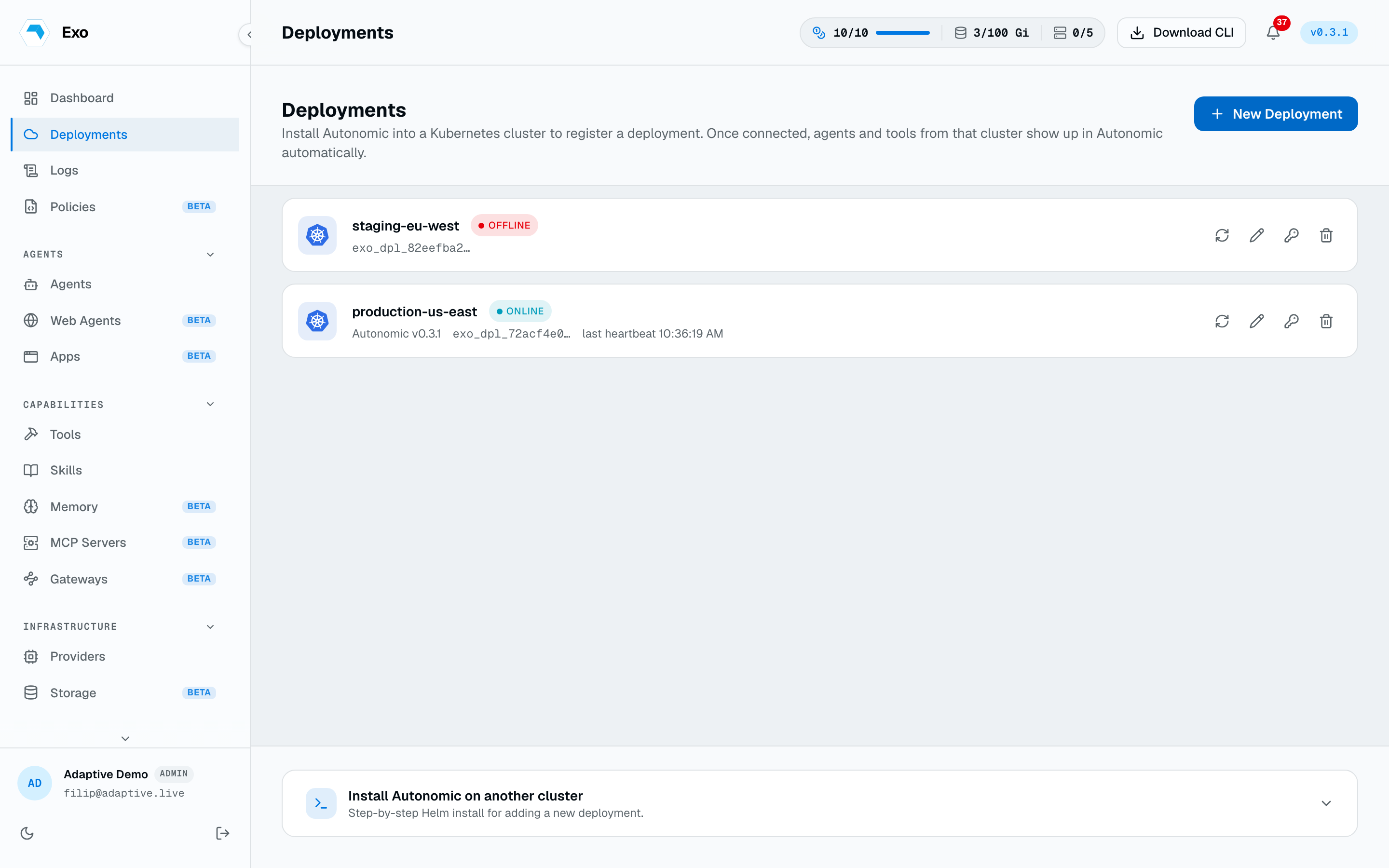
The operator isn't holding its connection to the control plane. Three causes cover nearly every case, and the operator's log tells you which one you have:
- Token rejected in the manager log: the token was rotated or revoked, or the Secret has a typo. Mint or re-paste the token into the
autonomic-authSecret and restart the manager. See Tokens & deployments. - Connection refused / timeout: egress to the platform is blocked. The operator needs one outbound WebSocket to your Exo endpoint on 443. See Networking.
- No connection attempt at all: the operator is running unmanaged. Check
AUTONOMIC_MANAGEDis"true"andAUTONOMIC_BASE_URLpoints at your platform. See Connecting.
exo login can't reach the platform
1$ exo login2Error: dial tcp 127.0.0.1:8080: connect: connection refusedWithout --endpoint (and with no EXO_ENDPOINT or cached credentials), the CLI defaults to http://localhost:8080, which is almost never where your platform lives. Pass the endpoint once; the CLI caches it with your session afterwards:
exo login --endpoint https://exo.example.com
If the browser opens but the CLI sits waiting, the callback to the loopback listener was blocked or the tab was closed early. Re-run with --no-browser and open the printed URL by hand, or raise --timeout. In CI there is no browser at all: use --email with a password from stdin, or set EXO_TOKEN. See the CLI reference.
Can't attach to an agent
Two common causes. First, exo agent connect takes the fully qualified ref, all three segments:
exo agent connect production/adaptive/triage-bot
Second, the agent may be Paused, which is the default for YAML-created agents, and a paused agent has no pod to attach to. The agent's detail page shows the status at a glance; check the phase with exo agent list, then fire a run with exo agent run or unpause it. See Connect to an Agent.
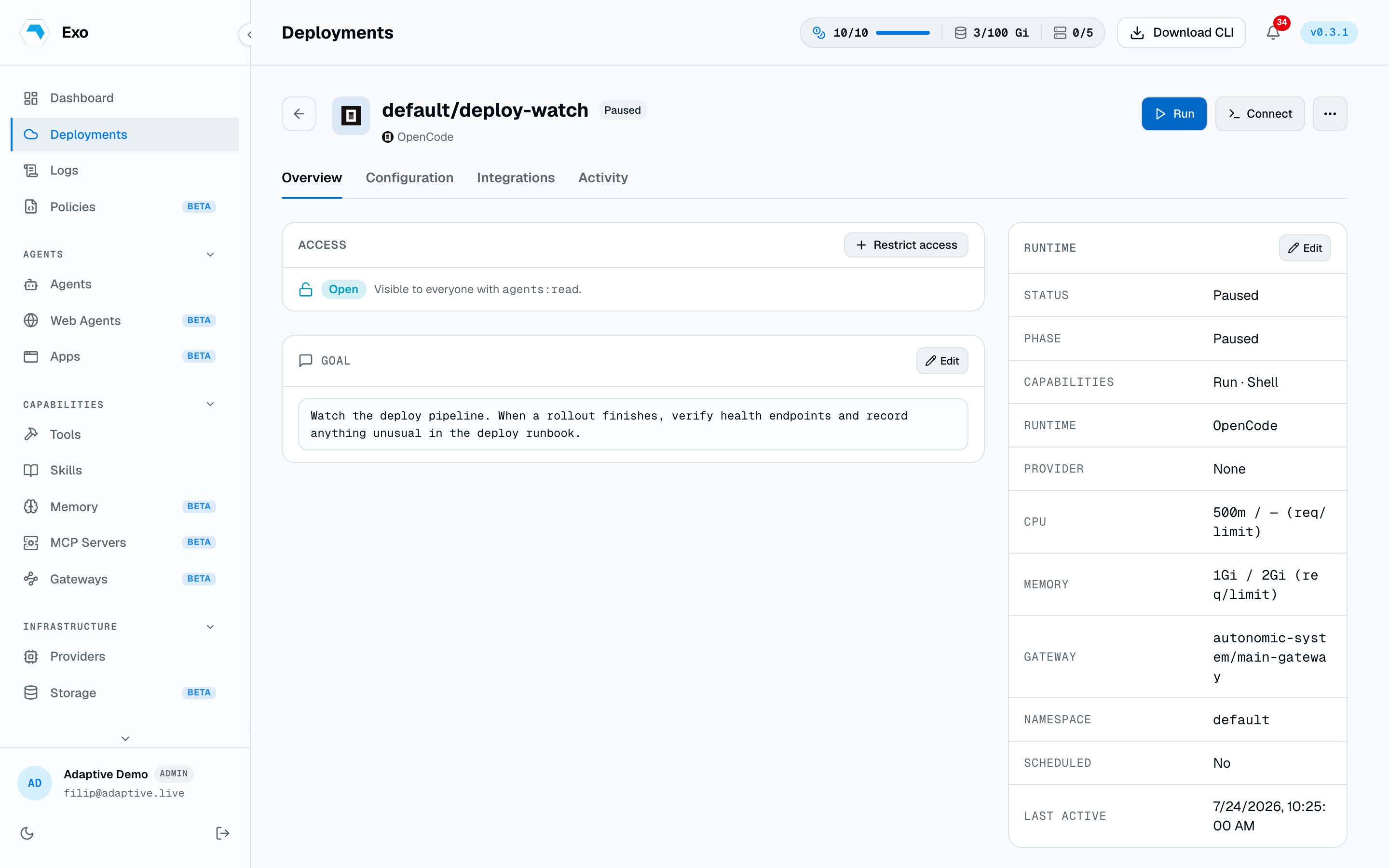
A run won't fire
exo agent get -n <namespace> <name> is the first stop: it shows the phase, the last runs, and the conditions the operator reconciled. The usual suspects, in order:
- Phase is Paused. YAML-created agents start paused on purpose. Invoke explicitly or set
phase: Active. - A condition is false.
TokenResolvedmeans the runtime token Secret is missing or malformed;ScheduleValidmeans the wakeup cron doesn't parse. - The agent can't run on its own.
spec.wakeuponly fires for agents with the Run capability; without it the schedule is ignored silently. - A tool the goal depends on never arrived. Unknown tool names are dropped without error. Compare
status.effectiveToolsagainst what you listed inspec.tools. See the Agent CRD reference.
Tool errors and slow first execs
A Tool stuck in Error almost always means the credential Secret is missing, has the wrong key name, or the probe can't reach the target. exo tool test re-runs the connectivity probe on demand and returns the real failure:
exo tool test adaptive/analytics-postgres
Directory sync stopped working
Open the provider's Runs history under Identity → Identity Providers; the last error is recorded there. The two classics for Microsoft Entra:
- Auth errors after months of working fine: the client secret expired. Entra caps secrets at 24 months with no auto-renewal. Mint a new secret, paste it into the provider, delete the old one.
- Sync succeeds but finds nobody: the Graph permissions were added but admin consent was never granted. The app authenticates and reads nothing. Grant admin consent in the app registration's API permissions page.
Both are covered step by step in Directory sync.
Invites and reset emails don't arrive
1WARNING: EXO_SMTP_* not configured — self-serve password reset emails2disabled until EXO_SMTP_HOST and EXO_SMTP_FROM are set (and EXO_SMTP_PORT3is a valid port)The platform tells you at boot. Configure SMTP (or Mailgun) and restart; the startup log then prints which provider it picked (mail: provider=smtp). Full setup on Email.
Platform won't boot
Two encryption-key failures, both fatal and both in the first log lines:
1Failed to initialize encryption keyring: encryption root key:2EXO_ENCRYPTION_KEY is required (must be a 32-byte AES-256 key)Set the key (openssl rand -hex 16 produces a valid one) and boot again.
1Failed to initialize encryption keyring: unwrap kek:2cipher: message authentication failedThe key changed after first boot. Everything encrypted at rest was sealed under the old key, so the new one can't unwrap it. Restore the original key; there is no recovery path without it. Treat EXO_ENCRYPTION_KEY as immutable from first boot, and back it up with the database. See Config & secrets.