
Personal & team workspaces
Exo comes in two shapes. A personal workspace hides the infrastructure and gets you to a running agent in a couple of clicks; a team workspace exposes the full control plane.
Most of Exo's surface exists because organisations need it: deployments, members, roles, policies, audit. If you are one person wanting an agent that does something useful, that is a lot of furniture. So signup asks how you will use Exo, and the answer decides how much of the platform you ever see.
The choice at signup
| Just me | My team or business | |
|---|---|---|
| Cluster | Managed, provisioned for you at signup | Agent Cloud or your own cluster |
| Sidebar | Home, Integrations, AI Providers, Settings, Usage | The full control plane |
| Identity | Just you | Members, teams, roles, SSO, directory sync |
| Governance | Not surfaced | Policies, approvals, audit, sessions |
Each account type also has a direct signup link that skips the picker: /individual/signup and /business/signup.
A personal workspace
Choosing Just me provisions a managed workspace during signup — a real cluster with the operator installed, but one you never have to think about. There is no deployment to create, no token to paste, no connect step. The home page is a short list of your agents and what they are doing.
If the workspace provision ever stalls, the home page offers to cancel and retry it rather than leaving you staring at a spinner. The Infrastructure page in the sidebar is the one window onto the machinery: the cluster's nodes, disks, and credits, with retry and cancel controls if provisioning needs a nudge.
Integrations
Tools and MCP servers — two different things in a team workspace — merge into one flat Integrations page here. You connect Linear, or a database, or Google Drive, and it becomes available to your agents. MCP auto-attach is on by default in a personal workspace, so a newly connected server is usable by every agent immediately, with no per-agent wiring.
A team workspace
My team or business is the full platform: deployments you create and connect, roles and permissions, SSO and directory sync, runtime policies, and the audit surfaces. Auto-attach is off by default — capabilities are granted deliberately, per agent.
Upgrading
A personal workspace can be switched to a team workspace from Settings. The switch is one-way: the extra surfaces appear and the existing workspace, agents, and integrations carry over unchanged. There is no path back to the simplified view, so make the change when you actually need the team surfaces.
More than one organization
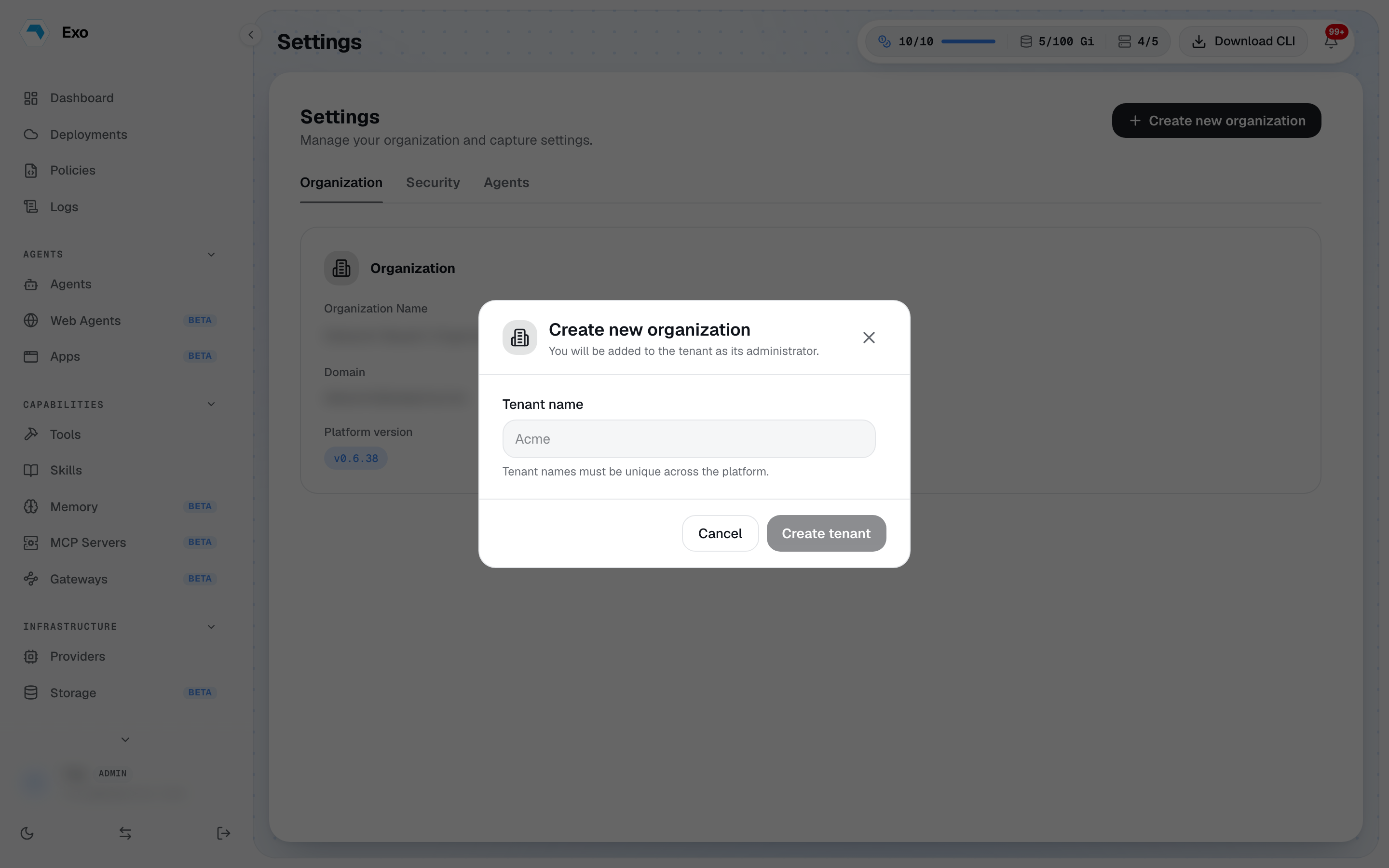
An administrator can create a brand-new organization without signing up again: open Settings → Organization and choose Create new organization. Give it a name and you become its administrator. The new organization is empty, separate, and immediately available in the sidebar's workspace switcher; nothing is shared between organizations, including members, agents, and credentials.
Belonging to several organizations shows the same switcher in the sidebar. Switching signs you into the other organization's workspace; from the CLI, exo context use does the same.