
Connect to an Agent
Open a live terminal into a running agent and work alongside it. The connection is access-gated, runs in raw mode, and gets recorded.
An agent doesn't have to work alone. Attach to its session, see what it's doing in real time, type alongside it. The whole exchange is captured for replay later.
Run or connect
There are two ways to work with an agent:
- Run fires a run in the background. Watch it live if you want, or read the session after.
- Connect opens a live terminal into the agent. You see every step and can type alongside it.
Connect to a Session
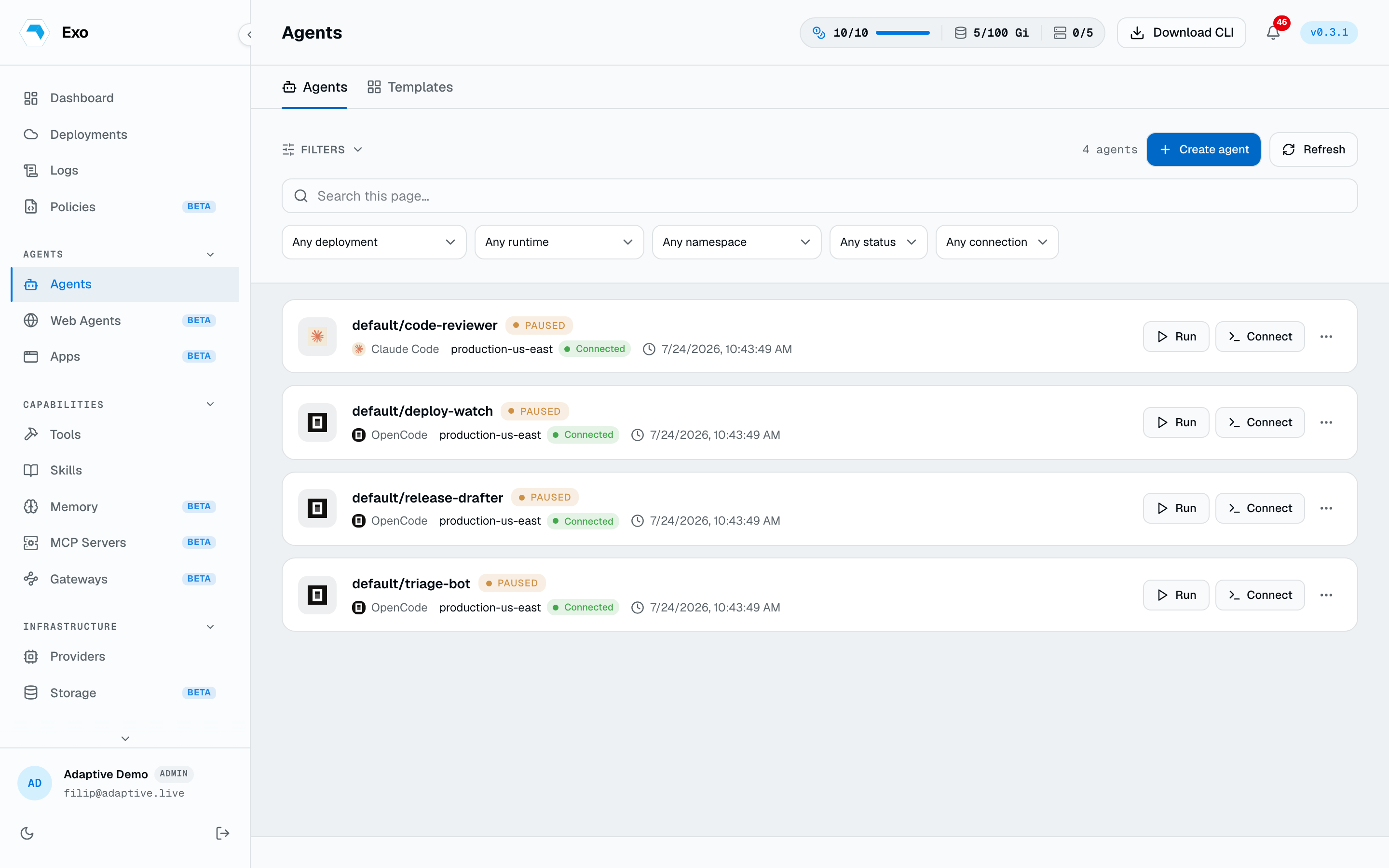
Connect by deployment/namespace/name. By default the CLI routes through the control plane (no kubeconfig needed) and records the session:
exo agent connect staging/production/triage-bot
The terminal goes raw. Keystrokes flow straight to the runtime CLI (claude, codex, opencode, …).
A live session is not a private window. The session panel shows everyone watching, Share copies a link that drops a teammate into the same session, and control can be requested and handed over rather than fought over. A session can also be branched: start a copy of the session, try something on it, and bring it back into the original if it works.
Agent Run
exo agent run fires a run in the background. By default, it drops you into a live view-only shell of the agent:
exo agent run production/triage-bot
exo agent run triage-bot --goal "Triage only P1 issues today"
exo agent run triage-bot --no-attach
exo agent run triage-bot --reason "manual rerun"
Recording
Connects routed through the control plane are recorded as an asciicast and land in the deployment's sessions, with an agent.connected event noting who attached to which agent and when. Terminal output is redacted before storage.