
Roles & permissions
A permission catalog, two seeded roles, tenant-authored roles and permissions, and the difference between a Team and an IdP Group.
Exo's first identity model had two roles printed into the schema: admin and member. Fine for early tenants, useless for anyone with an audit obligation. The current model swaps the enum for a permission catalog, tenant-scoped roles that bundle permissions, and a split between IdP-sourced groups and tenant-authored teams.
The permission catalog
Every authorising decision in Exo is keyed by a string permission. The shipped catalog covers everything the built-in handlers gate. Most permissions follow a resource:verb shape; a few are namespace-wide read flags.
1agents:read | invoke | write | admin See, attach to, edit, and ACL-manage agents2deployments:read | write | delete Manage Exo Operator deployments + tokens3audit:read | export Read and export the audit streams4tools:read | write Cluster Tools catalogue5policies:read | write Runtime Policies6providers:read | write LLM provider gateways + credentials7integrations:read | write Slack / Jira / Adaptive integrations8oauth_apps:read | write OAuth Apps9skills:read | write Skills catalogue10users:read | invite | write Team members + invitations11roles:read | write Roles + permission assignment12idp:read | write Identity providers (SSO / SCIM)13tenant:read | write Tenant settingsPermission keys are flat resource:verb strings. The full system list lives in the backend as model.SystemPermissions; every key the built-in handlers gate is in it, and adding a key is a code change, so the catalog can't drift from what's enforced.
The two seeded roles
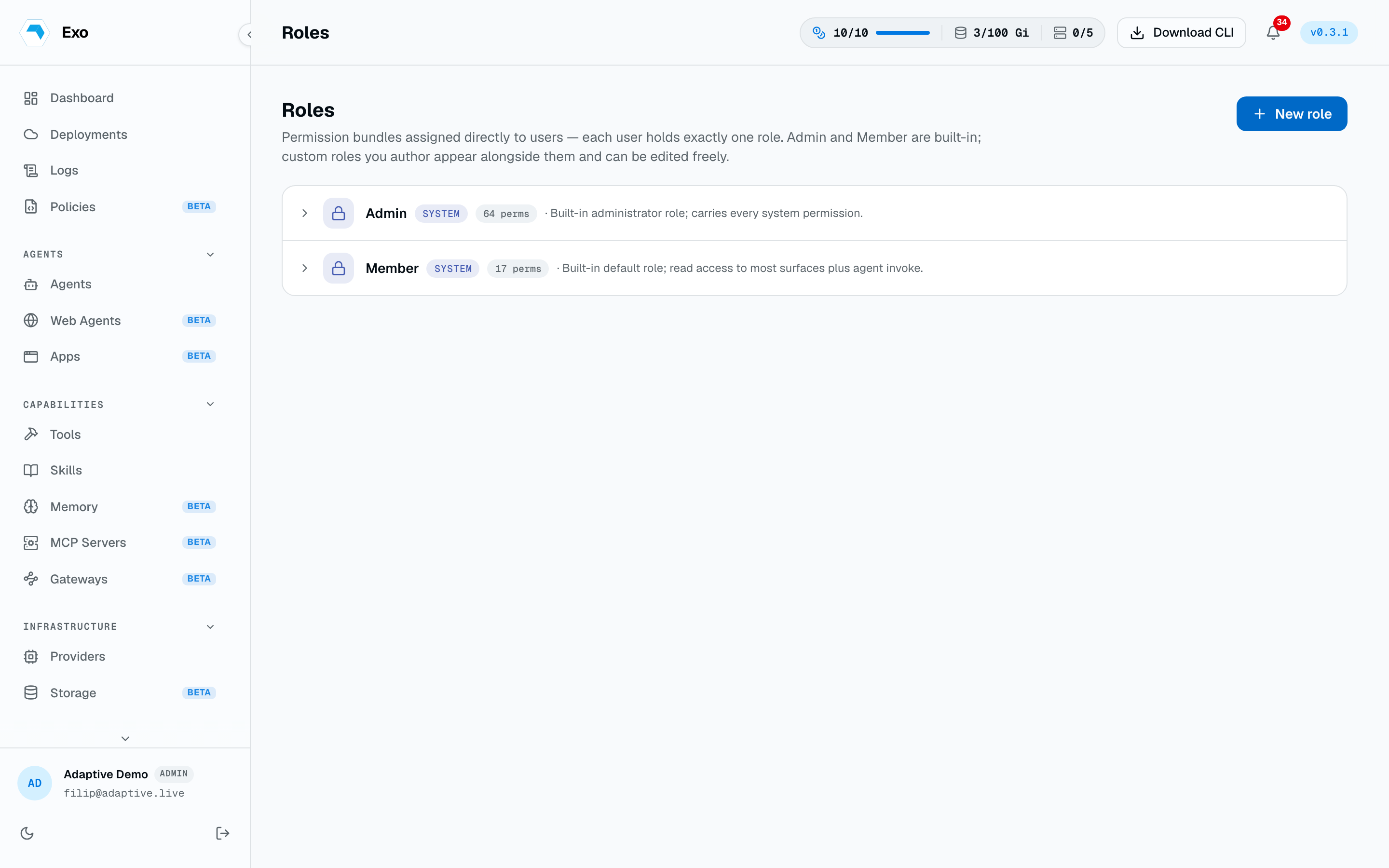
Every tenant ships with two roles populated. Both are editable, and deletable once you've built replacements you trust.
- Admin. Every permission in the system catalog. The migration rebuilds this role from
SystemPermissionson each release, so it always covers new keys. Bound to the first signup on a tenant. - Member. Read across the surfaces a user can already see, plus the verbs that let them do work:
agents:invokeandsandboxes:invoke. (Seeded fromMemberPermissions: read on agents, deployments, sessions, audit, sandboxes, tools, policies, guardrails, and skills.)
Authoring a role
Roles are tenant-scoped records: a name, a description, and a set of permissions. Author them in Settings → Roles. Two patterns we see a lot:
- AuditReader.
audit:read,agents:read,deployments:read. For SOC2 reviewers who need to inspect history without touching configuration. - OnCallEngineer.
agents:read,agents:invoke,tools:read. Enough to attach to an agent and re-run things, with no write access.
Custom permissions
Tenants can author permissions that aren't in our catalog: acme:invoice:approve, pii:read, treasury:wire-out. These don't gate Exo's built-in handlers (those check the fixed system catalog); your own code consumes them:
- Inside an agent's runtime, gate a tool or action on a custom permission string.
- Inside a Runtime Policy classifier, deny tool input when a custom permission is missing.
The role-attach surface is identical: your role gets a checkbox next to treasury:wire-out the same way it does next to agents:invoke.
Teams and groups
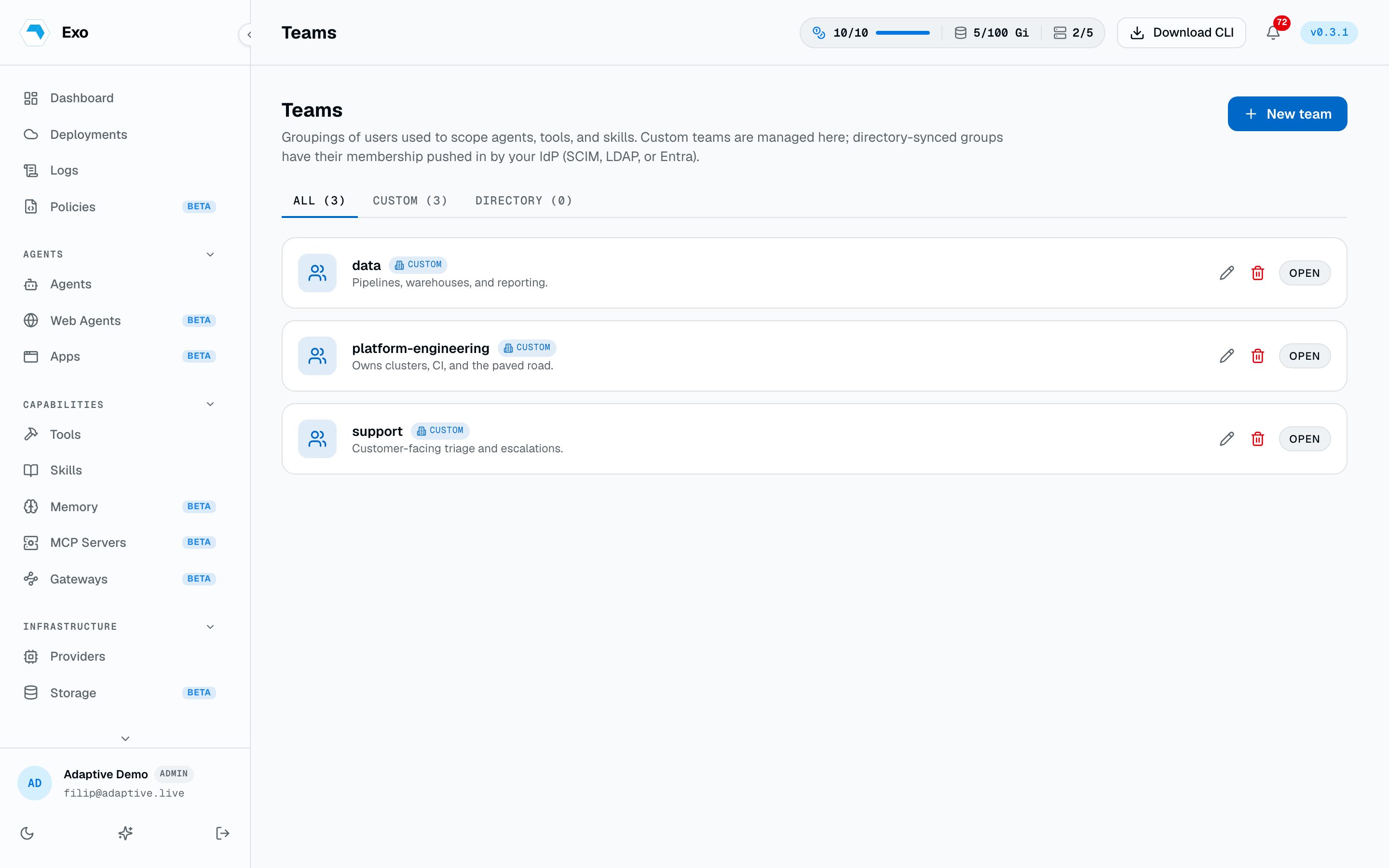
Teams and groups organise people, not permissions. They never grant roles: a user's role is assigned directly, one per user, from the Members page. What teams and groups do is scope access: they appear as principals on per-agent access lists and per-skill grants, so "everyone on platform-eng can see this agent" is one entry instead of ten.
- Teams are tenant-authored. The dashboard is the source of truth for membership. Good for ad-hoc projects, on-call rotations, and tenants with no IdP at all.
- Groups are IdP-sourced. SCIM pushes or a periodic LDAP/AD pull populate them. The dashboard treats them as read-only: only the IdP can mutate membership.