
Apps
A dev server, a coding agent, and an optional Postgres — one resource in your cluster. You describe what to build, the agent writes it, and the running result is previewed in the dashboard.
An App packages the loop of building something small and seeing it run. The operator creates a pod with a dev server and a coding agent sharing a persistent workspace volume, optionally with a Postgres alongside. The agent edits the code, the dev server reloads, and the dashboard shows the result in an embedded preview. Open Agents → Apps.
What an app is
- A dev server on a port, reverse-proxied to the dashboard — no ingress, no public URL.
- A coding agent in the same pod, working on the same workspace volume. It is the point of an app, so it is configured up front rather than added later.
- A workspace volume that holds the source tree, and survives pod restarts.
- An optional Postgres with its own persistent volume, reachable from the app over loopback.
Create an app
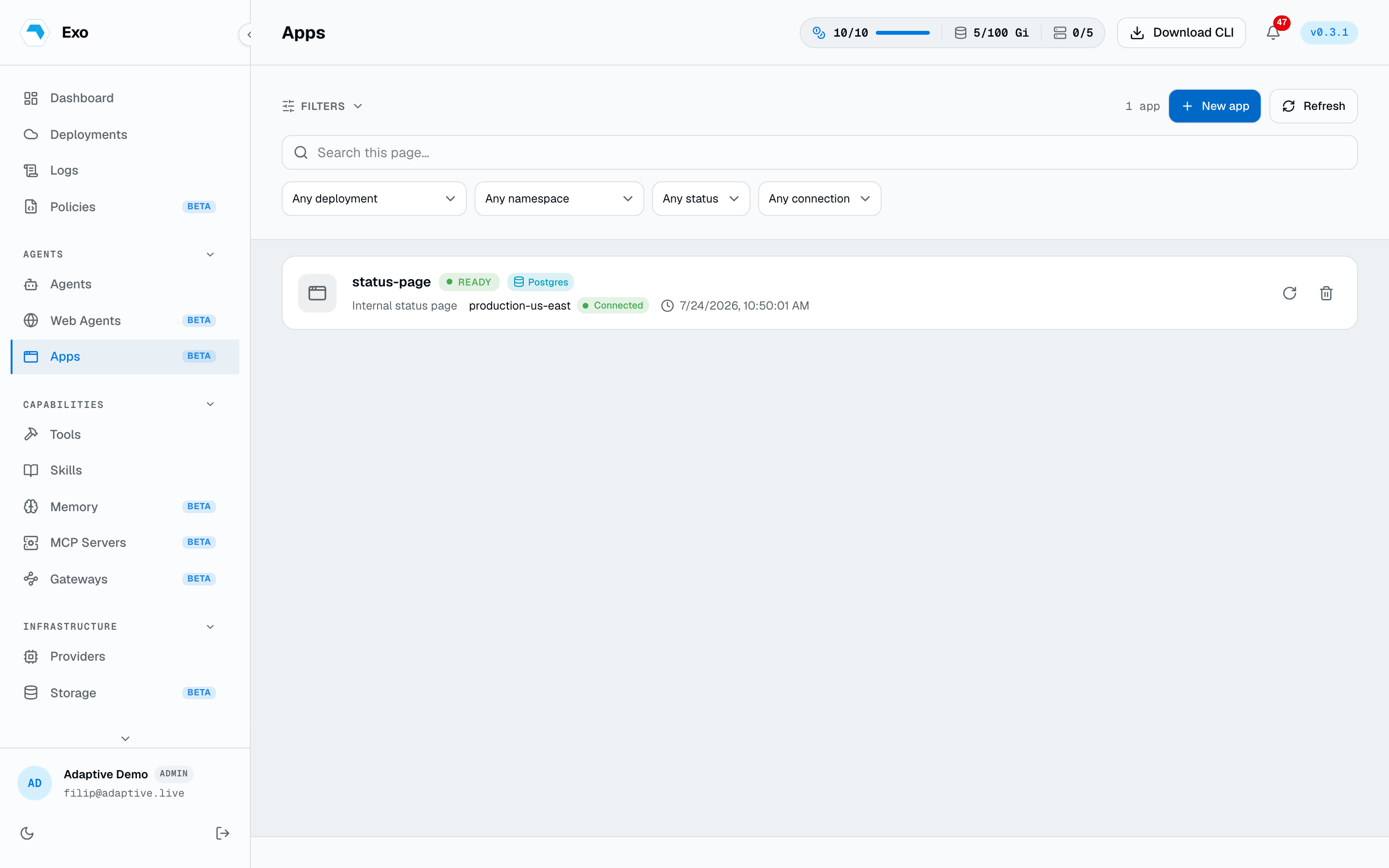
New app takes a deployment, a DNS-style name, and a short description of what the app is for. Under advanced settings you can size the workspace volume and pick its storage class; leave them alone to take the cluster defaults. The deployment must be online — the request is tunnelled to its operator.
The coding agent
The embedded agent takes the same configuration as a standalone one: a runtime, a provider and model, whether to route through an LLM gateway, plus skills, MCP servers, memories, and a CPU/memory footprint.
Reconfiguring the agent recreates the pod. The workspace volume keeps the code, so switching runtime or model mid-project loses nothing but the in-flight session.
Live preview
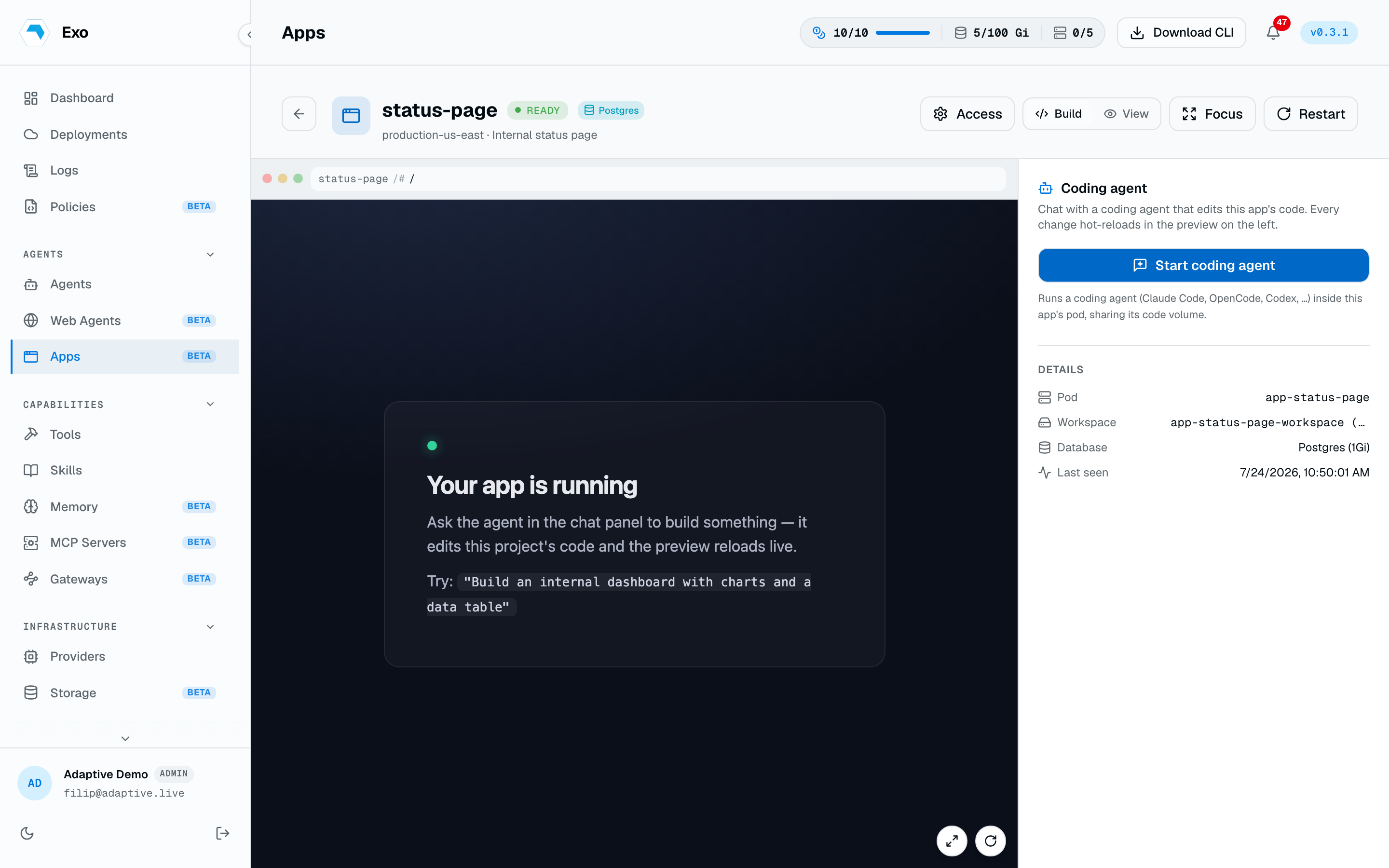
The preview is the app's own dev server, relayed through the operator's connection — the dashboard never reaches into your cluster and the app is never exposed publicly. Each preview session mints a short-lived bootstrap token that the backend exchanges for a path-scoped cookie on the first request.
The database
Enabling the database adds a Postgres container with a persistent volume of its own. It is a loopback database for the app, not a shared service: nothing outside the pod connects to it. Size and storage class are set at create time and the volume can be grown later from App storage.
Restart, delete, storage
- Restart deletes the pod and lets the operator recreate it. The workspace and database volumes survive — this is the fix for a wedged dev server.
- Delete removes the App resource and its pod. Volumes created with retention on survive; the rest go with it.
- Force delete also purges the dashboard's row, for clearing an app whose deployment is offline or whose operator is unresponsive.
- Storage for every app is listed under Infrastructure → Storage, workspace and database volumes alike, and both grow in place.
Access
Viewing apps needs agents:read; creating and managing them needs agents:write. An app starts open to everyone who can view apps. The Access panel restricts it to listed users, teams, or roles.
As a resource
1apiVersion: autonomic.sh/v1alpha12kind: App3metadata:4 name: pricing-page5 namespace: adaptive6spec:7 description: Marketing pricing page experiment8 port: 30009 workspace:10 size: 5Gi11 retain: true12 database:13 enabled: true14 size: 2Gi15 agent:16 enabled: true17 runtime: ClaudeCode18 model: claude-opus-4-819 skills:20 - write-tests