
Connect to a tool
Connect to a database, cluster, host, or API through a managed connection. Credentials are injected at the boundary. They never touch your command, your history, or the agent's context.
A Tool is a managed connection. When you connect, the client is on the PATH and the credentials are in the environment, so psql, mysql, kubectl, or redis-cli runs without you touching the secret.
Connector types
Each Tool has a type. Managed cloud variants work too (for example, pulling credentials from AWS Secrets Manager).
See Tools & connectors for how to declare a Tool and its credentials.
Connect
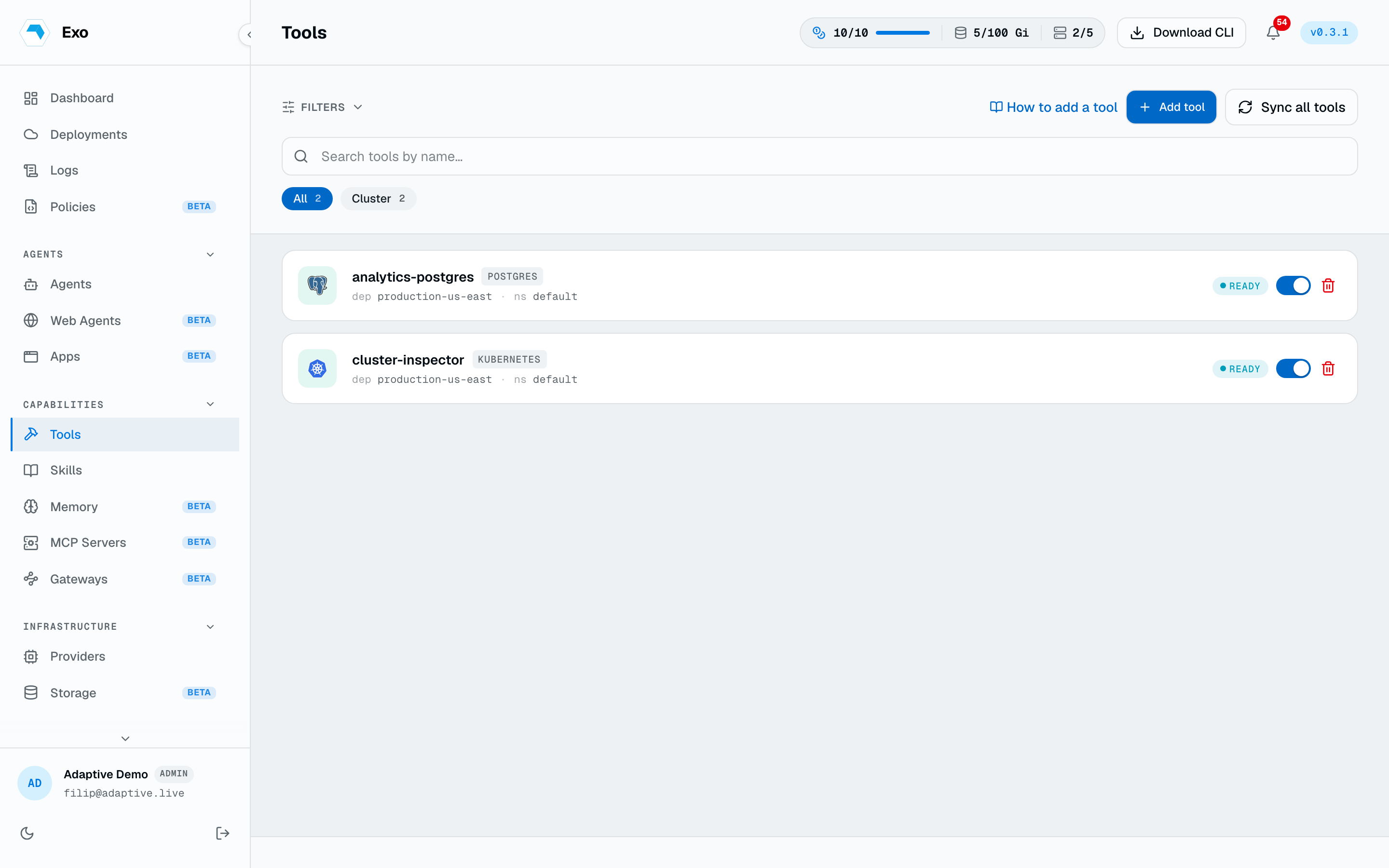
exo tool connect opens an interactive shell with the connection environment set:
exo tool connect analytics-postgres -n default
psql
Run a one-off query
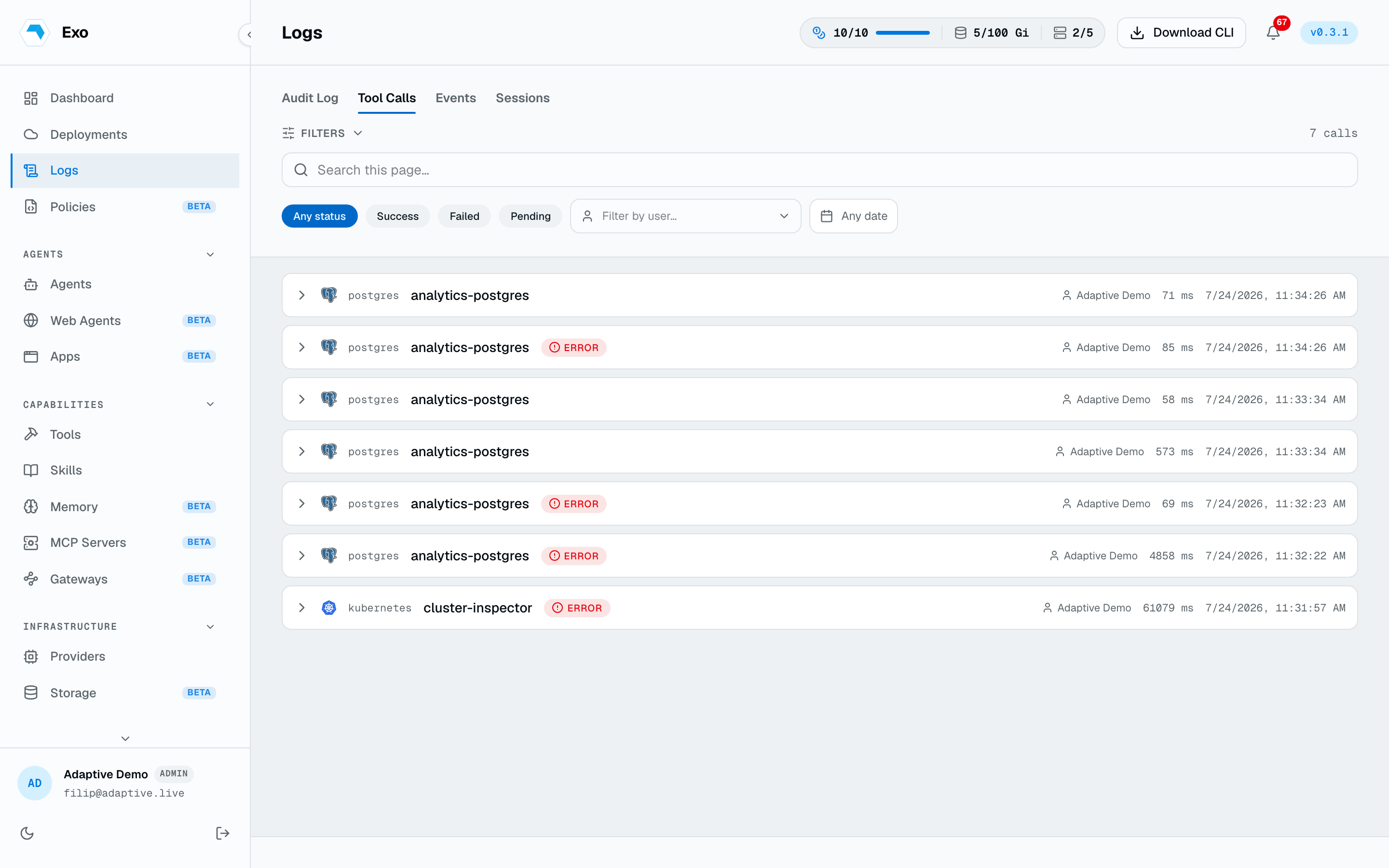
For non-interactive use (scripts, CI, piping), exo tool exec streams a command, file, or stdin to the tool's client and returns its exit code:
exo tool exec analytics-postgres -- psql -c "select count(*) from orders"
exo tool exec analytics-postgres -f report.sql | jq
exo tool exec bastion-prod -- "uptime"
exo tool exec prod-eks -- kubectl get pods -A
exo tool test analytics-postgres